RenderIQ is a new standalone smart render manager for Blender, available for Windows and Mac, that speeds up your entire workflow with intelligent scene analysis, upscaling, frame interpolation, and many other powerful features. With additional full support for Turbo Tools and SceneBoost, it can even handle temporal denoising and significantly reduce VRAM usage without any additional manual setup. All these features are seamlessly combined and automated, replacing what used to be many tedious, separate processes.
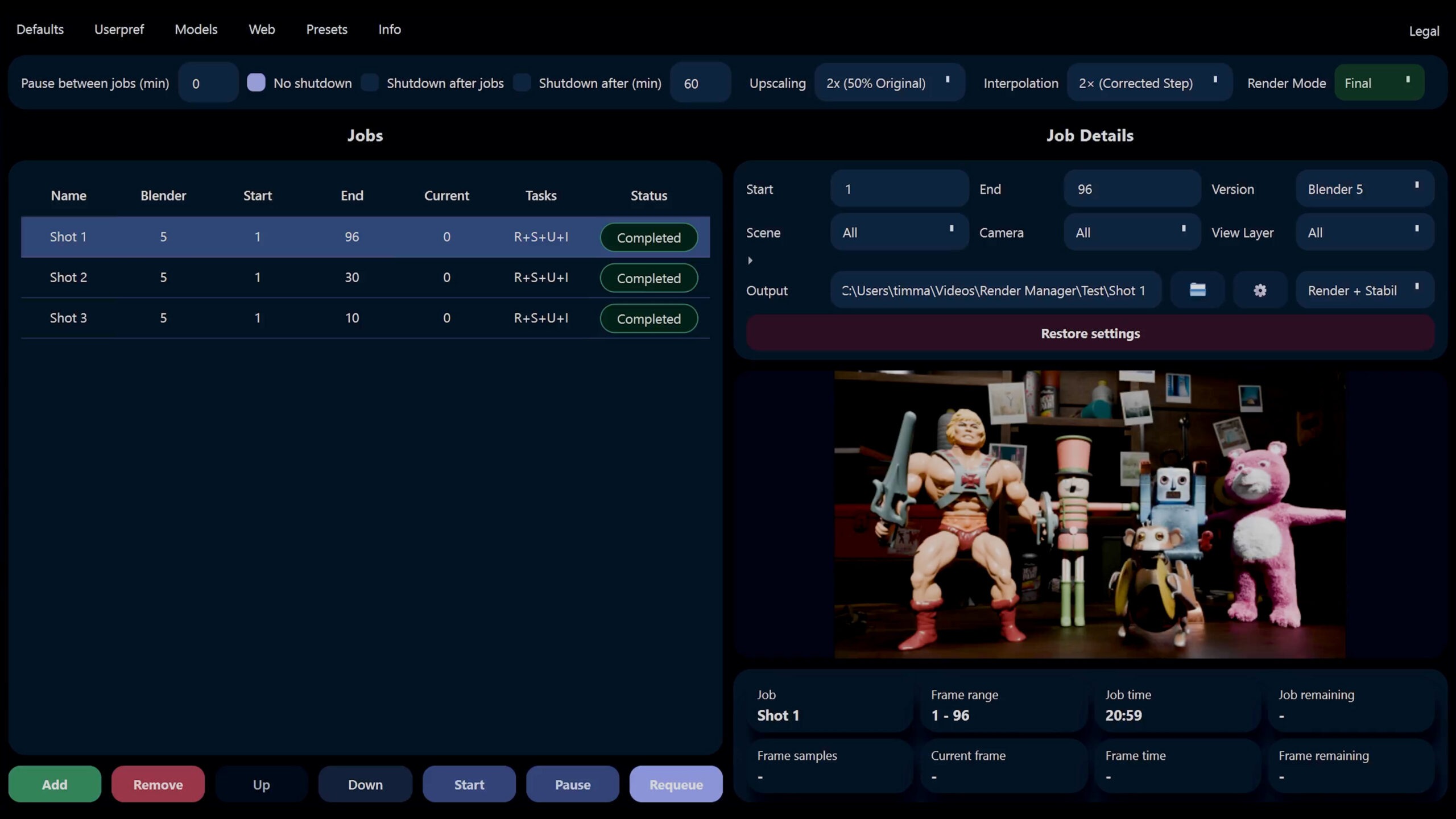
Just select the files you want to render. It can read everything directly from them and show you all the important settings. Queue it, adjust it, let them render automatically, pause when needed, and continue later without losing your progress. It handles all of this effortlessly, and you can take it even further by rendering different files with different Blender versions or by using custom user preferences, so that only specific add-ons are enabled for rendering, for example. Or rendering multiple view layers with ease.
Intelligent Scene Analysis
RenderIQ does more than just manage jobs. With a clever scene analysis, it can also automatically choose smarter render settings for your scene, so you spend less time tweaking and far more time getting the final shots done. Light bounces, volume steps, transparent settings, and so on. All of this can be adjusted automatically to significantly reduce your render time depending on the scene. This function is currently only available for Cycles.
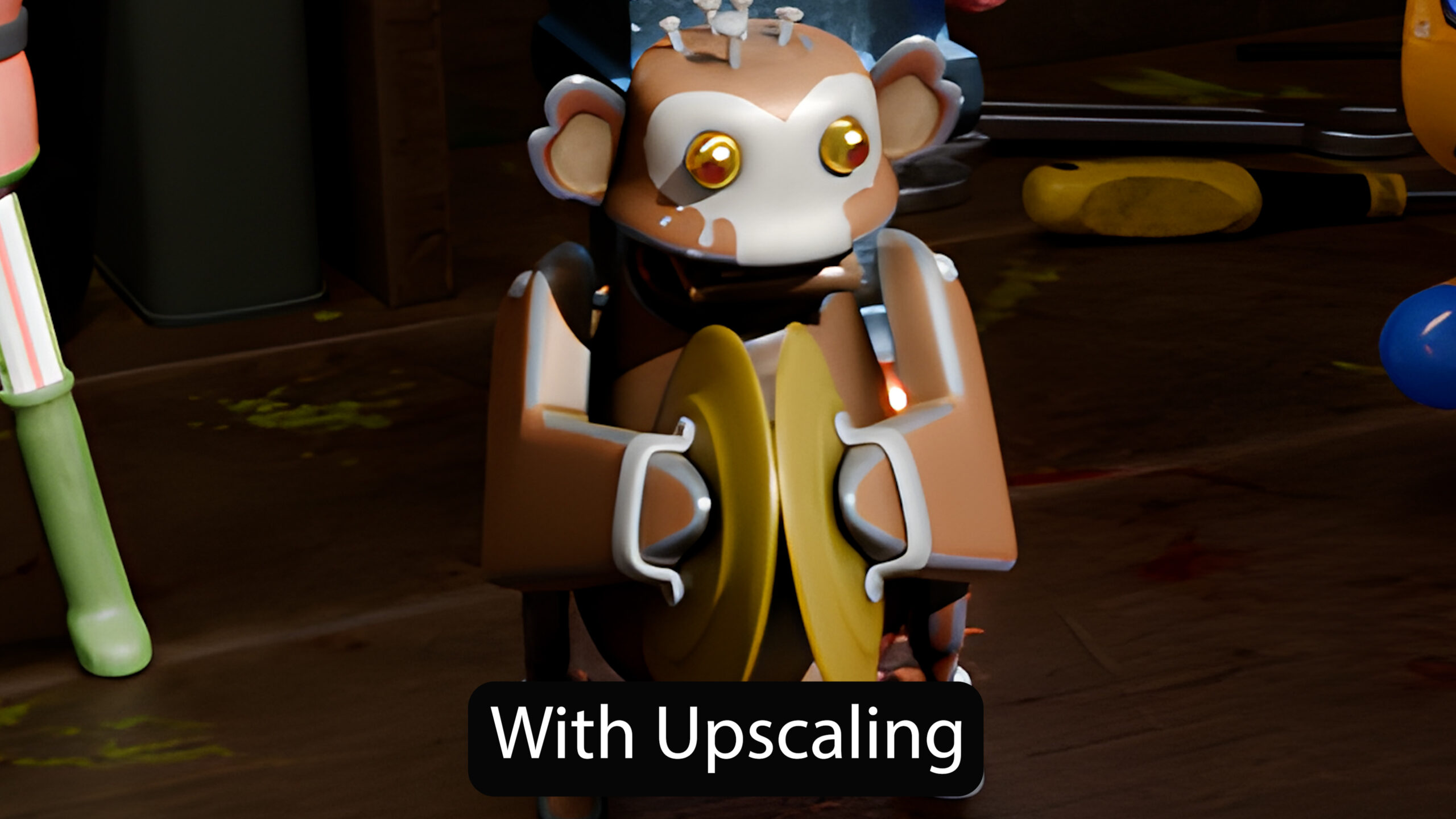
The program can upscale your rendered frames using advanced algorithms, allowing you to render scenes at lower resolutions and automatically upscale them by up to 4×—all in significantly less time. This means you need far less time and computing power to achieve the same final resolution, while still getting results close to a native render.
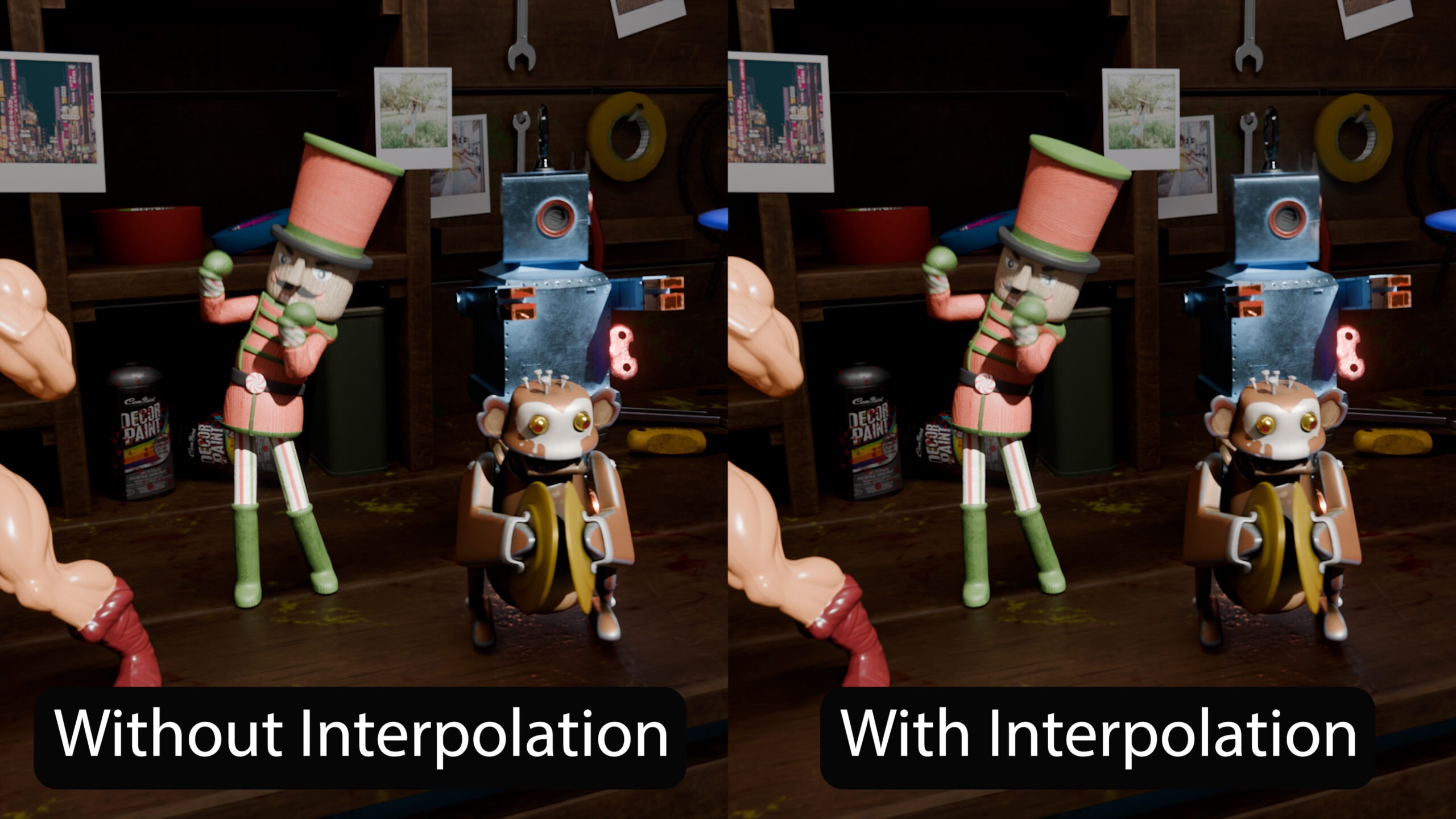
In addition to upscaling, the program uses interpolation algorithms to calculate precise intermediate frames. This allows it to quickly double—or even quadruple—your frame rate without requiring additional rendering. For you, this means rendering fewer frames while the program generates the missing ones automatically. You don’t need to worry about anything—just set the desired factor, and the program handles the rest. For example, it can render only every second frame and generate the rest much faster afterward. This feature can also be used to easily create smooth slow-motion footage.
Give your final renders a more natural, less digitally perfect appearance with RenderIQ’s built-in film grain finishing. Choose between 16mm, 35mm and 65mm film characteristics and control the grain intensity with a single Amount setting. The grain is resolution-aware, animated independently for every frame and reacts naturally to image luminance, creating different grain behavior across shadows, midtones and highlights.
RenderIQ supports our in-house Blender add-on SceneBoost and can work together with it, which significantly reduces VRAM usage while also speeding up rendering. It also allows you to create faster preview renders using lower LOD levels, fewer samples, and other customizable settings that you can define once. As a natural extension of SceneBoost, RenderIQ works seamlessly with it, enabling you to realize projects that previously weren’t possible.
The program also supports Turbo Tools, allowing you to denoise your scenes more effectively and even perform temporal denoising after rendering. Best of all, all features work together seamlessly. You can enable upscaling, interpolation, and temporal denoising at the same time, and the program will process everything automatically in sequence. You simply click render, and the program takes care of the rest.
Everything in One Program
You no longer need a complex pipeline involving multiple tools—everything is combined into a single program. Render with fewer samples, fewer frames, lower resolutions, and optimized settings for the same output.
Preview Animation Progress in Realtime
The program can also play back your rendered image sequences directly in the preview window in real time at the correct frame rate. This allows you to instantly see how your shot plays—without switching between tools. You can even monitor the progress while rendering is still ongoing.
Fast Renders for Your Storyboard
And it can even do something that normally stays inside Blender: viewport rendering. With Eevee and Workbench viewport modes, RenderIQ can render based on your actual viewport visibility and viewport look, directly through the render manager. This means it only renders objects and only activates modifiers, etc. that are actually enabled in the viewport, while also using the simplified shader calculations from there.
You can also easily create presets for all settings you want and apply them to any project. Everything is designed to minimize tedious manual setup and streamline your workflow.
Monitor Progress on Your Phone
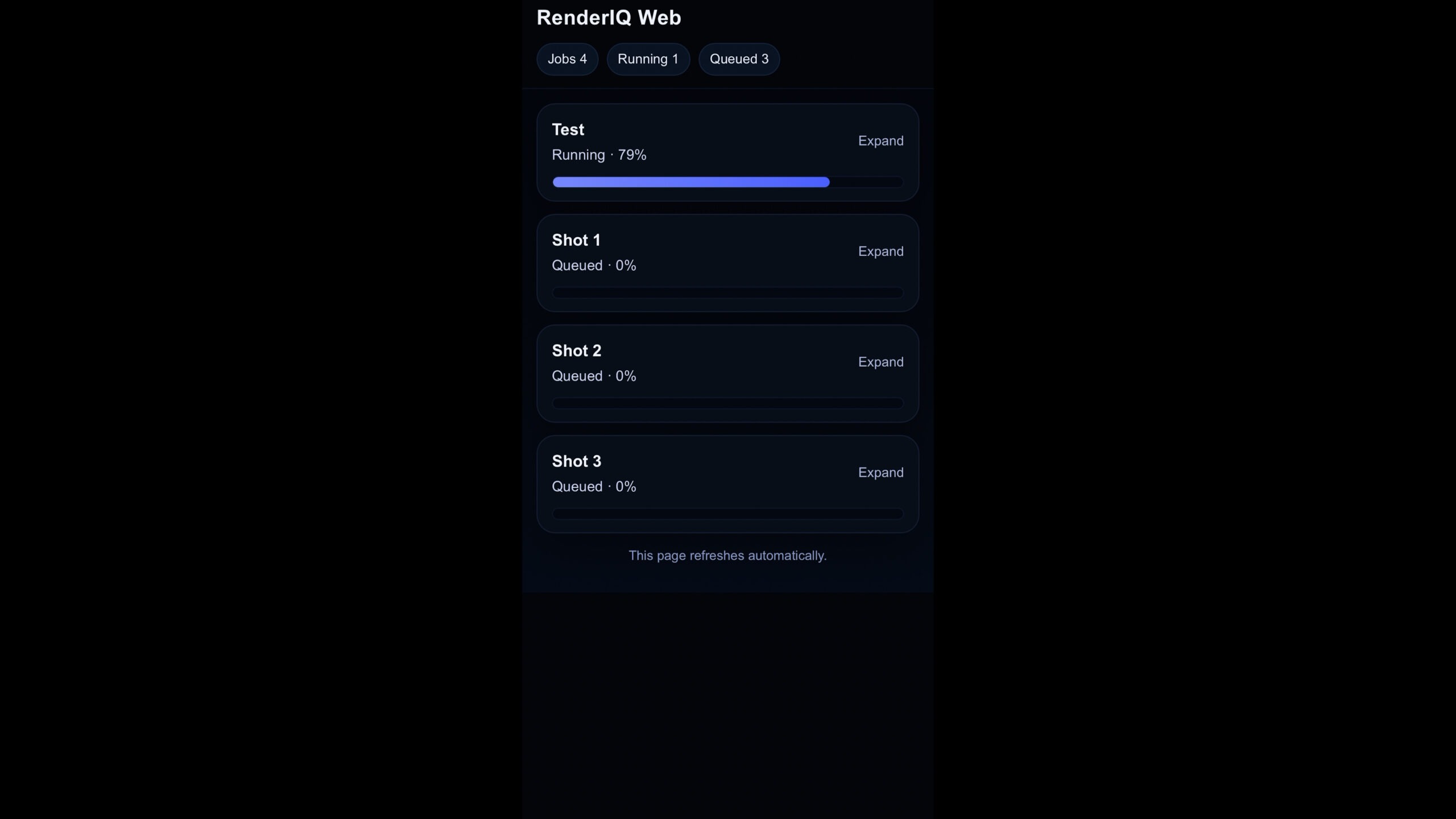
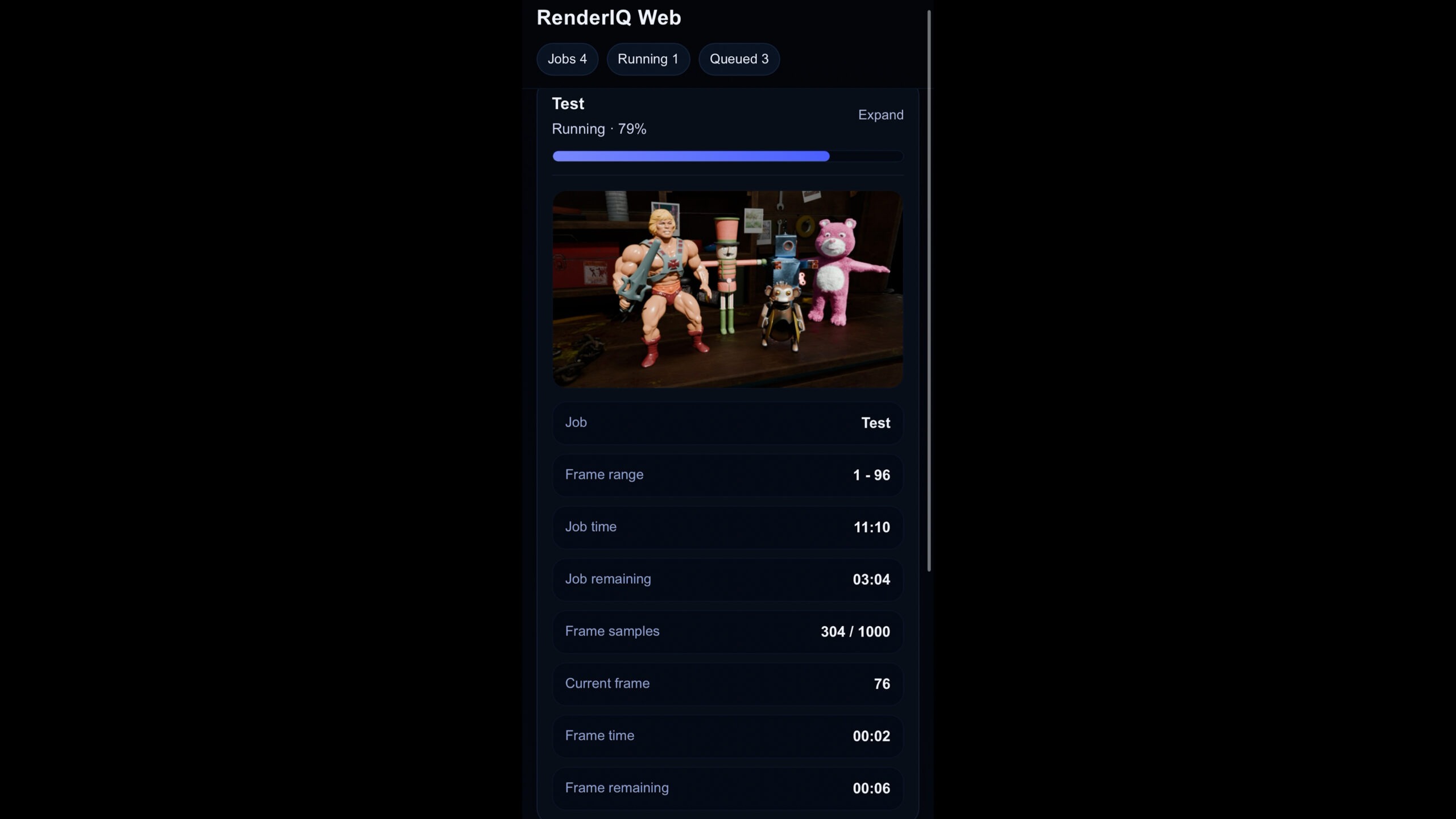
The program also allows you to monitor your render queue and the status of all files directly from your phone as long as you are connected to the same network as your computer. So from now on, you can monitor your render status right from your bed and always stay fully in control.
Fully supported on Windows PCs and Macs with Apple M-series chips. On macOS, you may see a security warning during installation because the app is not yet notarized by Apple, you can safely proceed.